


Welcome to one of my first blogs, this subject being our super duper new printer. I’m currently sat waiting for it to initialise the printer head after clicking in all 12 of the inks, very satisfying! The printer arrived a few days ago but I’ve just been putting off setting it up, it’s just one of those scary things I don’t want to get wrong! There plenty of helpful YouTube videos to follow, I watched a couple all the way through before I started so I know what to expect.
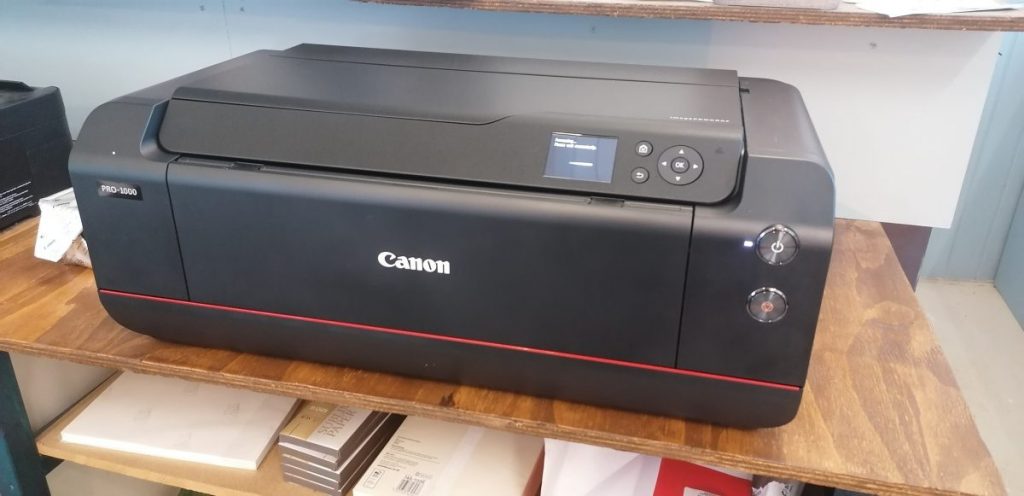
We did a lot of research before choosing the Canon PRO-GRAF 1000, looking into the costs of the inks so it’s economical and also what it offers in terms of print size, colour and quality. There’s plenty of good reviews online so we bit the bullet and purchase this printer.
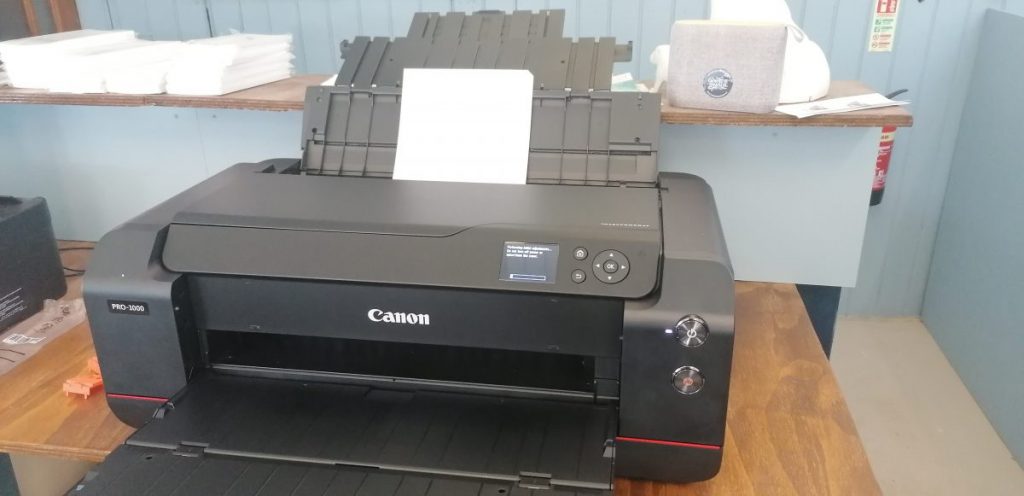
The width of the whole printer is 72cm but it’s longer when the rear and front feeder tray is open; a whole 100cm!
Size wise of course it’s bigger than a normal desktop office printer as it needs to accommodate up to A2 sized paper. The width of the whole printer is 72cm but it’s longer when the rear and front feeder tray is open; a whole 100cm! As you can see where we’ve put it we have the rear feeder just resting on the counter shelf, so I’s suggest deciding where it’s going go before it arrives and clearing the space ready, it’s really heavy too so get another person to lift it in place.
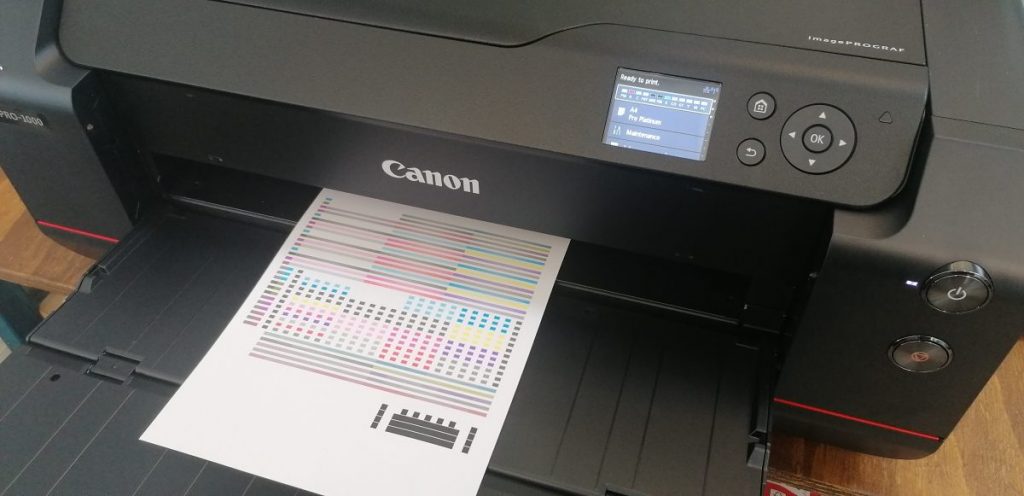
Here is the first sheet printed, everything nice and neat very pleased with it. I’m forever worrying something might go wrong with it but this start-up process lasted about 20 minutes, so not long at all and no issues. So now she’s set-up ready to go! Thanks for reading 🙂
 Patchwork